Role-Based Access Control
Define custom permissions for each role: Owners have full access, Admins can manage team and links, Members can create links, and Viewers can only see analytics.
Bring your manager or team into the work behind your content. Share tools, keep permissions clear, and manage a creator’s brand relationships with Collaboration in their workspace.
Owner, Admin, Member, Viewer. Four permission levels with granular controls, shared affiliate tags and templates, and team-wide dashboards with filtered views per role.
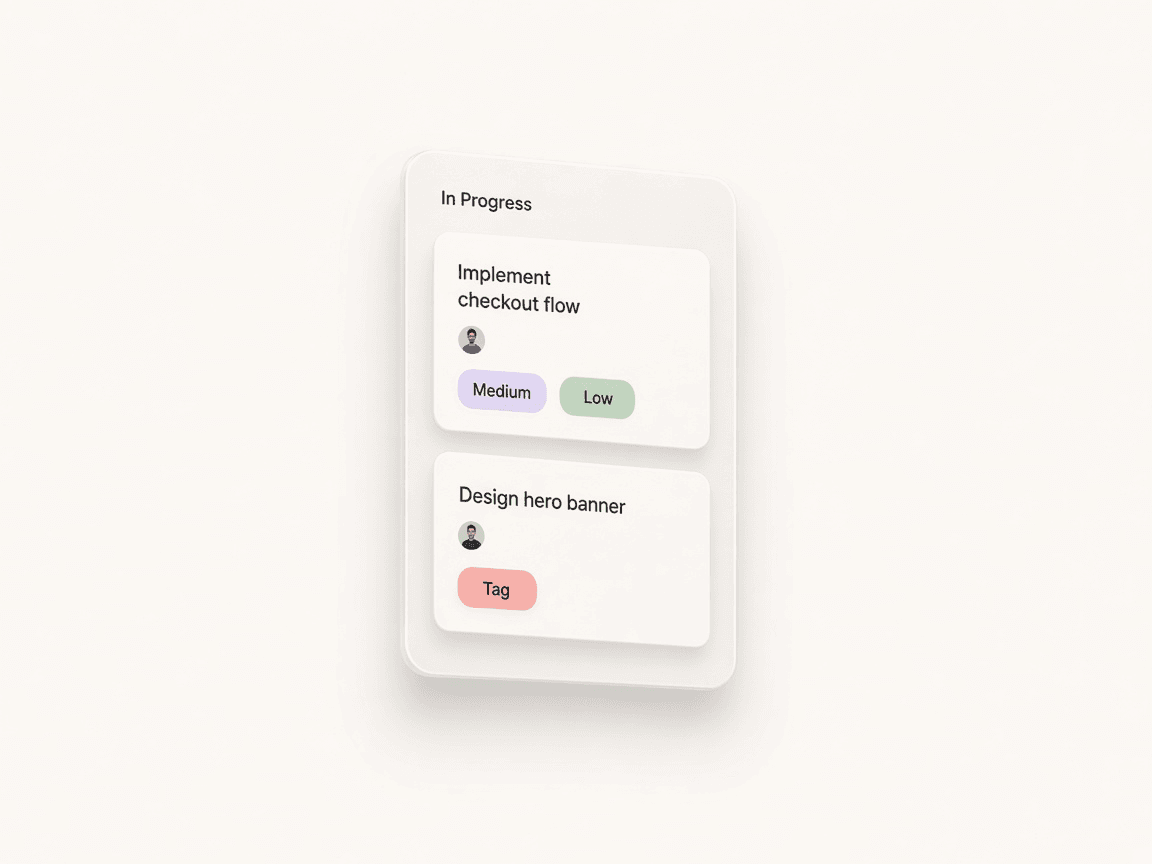
Run the creator’s brand business together: contacts, proposals, follow-ups, deal terms, and deliverables. The creator keeps ownership; invited managers work with the access they are given.
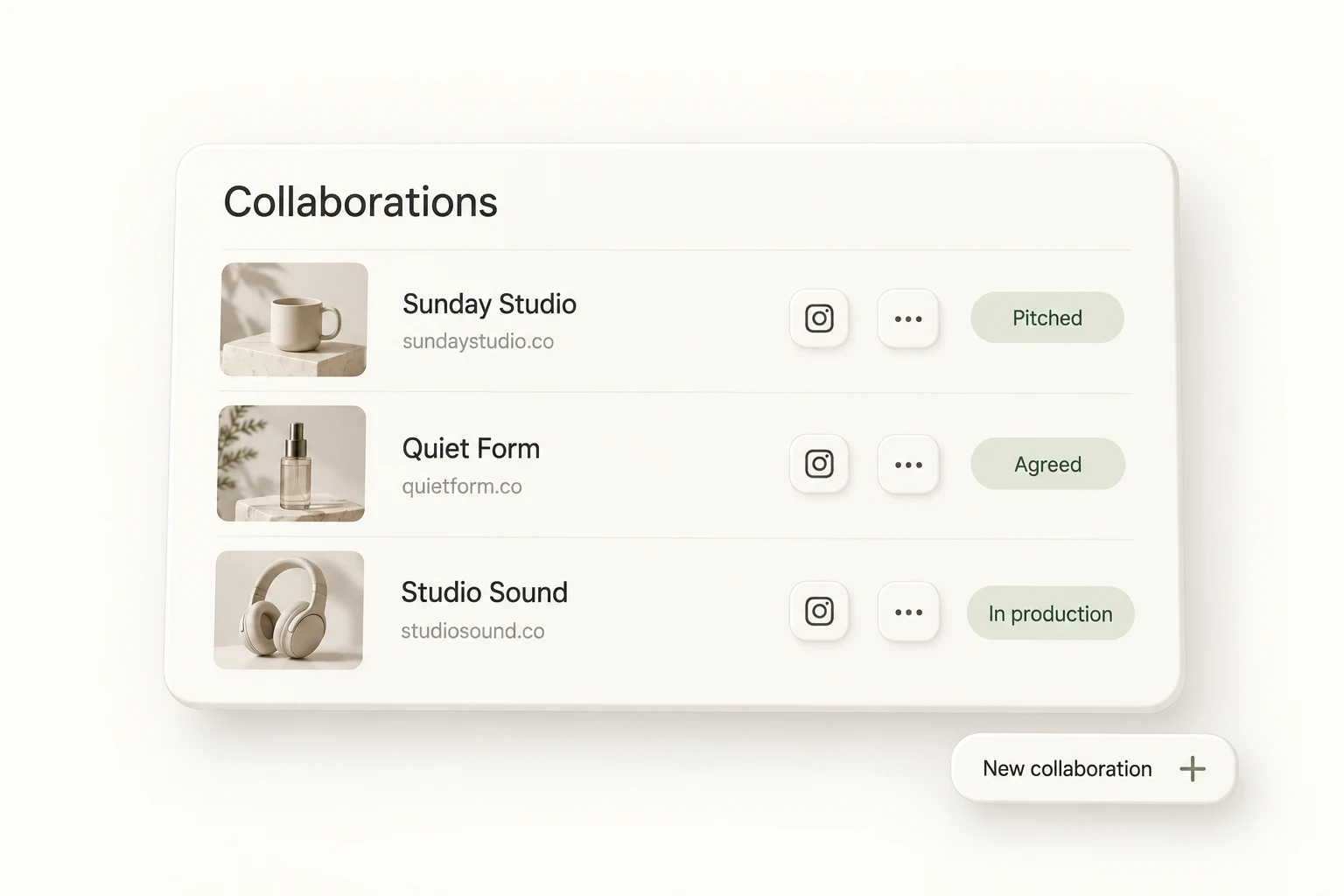
Set up the team once. Then let boards, the shared inbox, the calendar, and routines carry the recurring work.
Invite members by email and assign a role: Owner, Admin, Member, or Viewer. Permissions control who can create links, view analytics, manage the team, or access billing.
Use the same affiliate tags, link groups, and bio page templates across the team, so every link carries the right attribution.
Create Kanban or pipeline boards for campaigns, content, and deals. Assign cards to team members, add due dates, and see them on the shared calendar.
See combined performance and filter by member or time range. Every action lands in the audit log with user attribution and timestamps.
Define custom permissions for each role: Owners have full access, Admins can manage team and links, Members can create links, and Viewers can only see analytics.
Aggregated team dashboards showing combined performance across all team members, with filters to view individual or group contributions.
Complete audit log of all team actions including link creation, edits, deletions, settings changes, and data exports with user attribution.
Team-wide affiliate tags, link groups, and bio page templates that all members can use and contribute to.
Questions about working as a team.
Can’t find the answer? Contact support.
Individual includes up to 3 team members and Team includes up to 10. Enterprise removes the member limit. Each workspace has its own plan and permissions.
Four: Owners have full access, Admins can manage the team and links, Members can create links, and Viewers can only see analytics. Invitations are sent by email with a role attached.
Yes. Inbox connects Gmail, Outlook, or any SMTP/IMAP mailbox per team: 1 mailbox on Individual, 3 on Team, and unlimited on Enterprise. Each account keeps its own signature, from name, reply-to, and tracking settings.
Every team action is logged, including link creation, edits, deletions, settings changes, and data exports, with the user who did it and when. Single sign-on is available on Enterprise.
Bring your content, your people, and your plans.
Make something that feels like you.